FDSStick
- It's a Famicom Disk System (FDS) drive emulator.
- Write games to FDSStick over USB, then connect to a FDS RAM adapter to play.
- Contains 256Mbit internal flash. Enough space to hold every FDS game and more!
- Loads a built-in game menu on startup.
- Push the button to change disk sides (once for side A, twice for side B, etc.) or hold to eject.
- Game Doctor disk format is fully supported.
- Firmware is upgradable over USB.
- Holds 512 disk sides with a built-in game selection menu.
- Write games to FDSStick over USB, then connect to a FDS RAM adapter to play.
- Push the button to change disks (once for side A, twice for side B, etc.) or hold to eject.
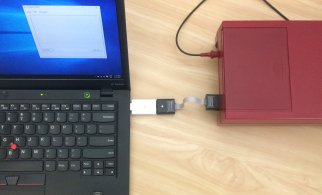
- Connect both sides of FDSStick to run games directly from a PC.
- Read and write disks from an FDS drive with an adapter cable (not included).
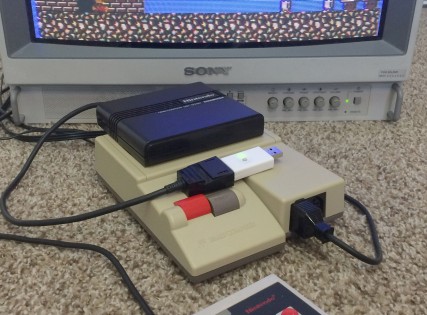
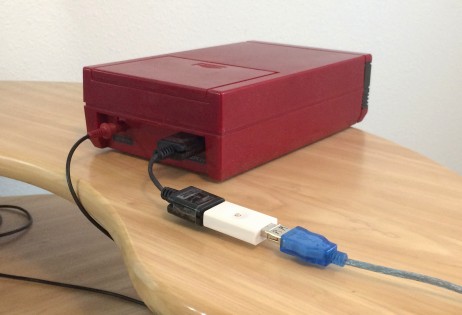
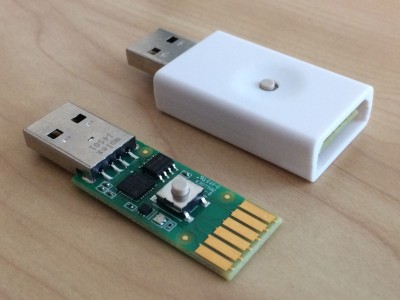
For USA customer go here :
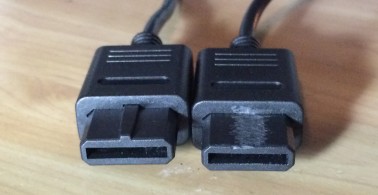
For disk reading and writing, join two RAM adapter cable ends together. Nintendo RGB cables (for SNES / N64 / Gamecube) can also be used, you'll need to cut the bumps off them to make them fit.
################
###################
### C A 8 6 4 2 ###
### ###
### B 9 7 5 3 1 ###
###################
###################
End of RAM adapter cable
Join pins 1, 2, 3, 4, 5, 9, B, C from one connector to the other.
Leave the other pins unconnected.
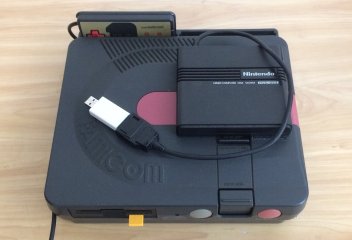
Twin Famicom
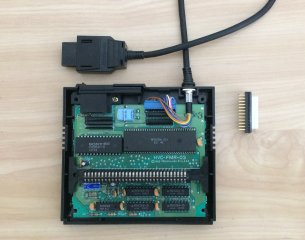
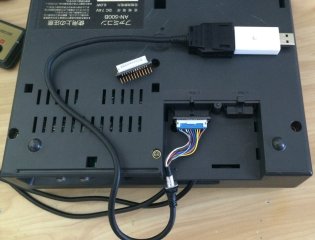
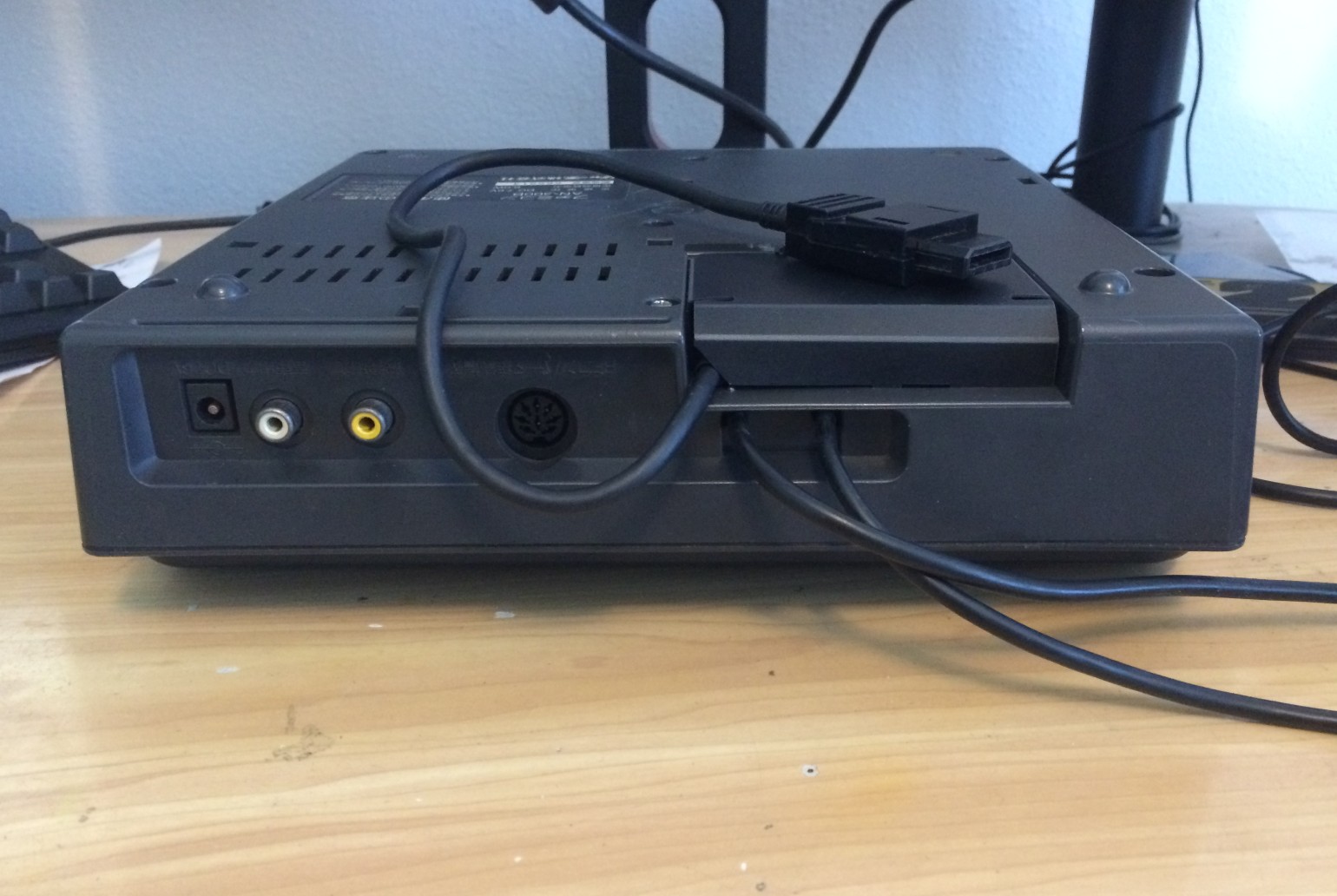
Use this pin mapping for connecting FDSStick to a Twin Famicom.
Twin Famicom Port C End of RAM adapter cable
(looking at rear of console) ################
########################## ###################
########################## ### C A 8 6 4 2 ###
## ## ### ###
## 12 11 10 9 8 7 6 5 4 3 2 1 ## ### B 9 7 5 3 1 ###
########################## ###################
########################## ###################
Twin Famicom RAM Adapter Other end of RAM adapter cable
Port C (blue connector to cart)
1 -------------- A ------------ 10 (black)
2 -------------- C ------------ 7 (violet)
3 -------------- B ------------ 9 (white)
4 -------------- 9 ------------ 4 (yellow)
5 -------------- 7 ------------ 8 (grey)
6 -------------- 5 ------------ 3 (orange)
7 -------------- 3 ------------ 6 (blue)
8 -------------- 1 ------------ 5 (green)
9 -------------- 4 ------------ 1 (brown)
10 -------------- 2 ------------ 12 (cyan)
11 -------------- 6 ------------ 11 (pink)
12 8 2 (NC)
This product was added to our catalog on Sunday 02 August, 2015.