APFS now support snapshots, a feature users of Virtual Machines love and can barely live without!
You can now take a snapshot from command line by typing "sudo tmutil snapshot" in the Terminal.
You will then be able to browse it and restore individual files using either Time Machine GUI or the "tmutil restore" command in Terminal.
Little known, the possibility to jump your computer back to a snapshot you previously created.
Boot on macOS Recovery (with CMD+R) and select Restore From Time Machine Backup.

The click Continue

Select your boot drive (from where you run the tmutil command)
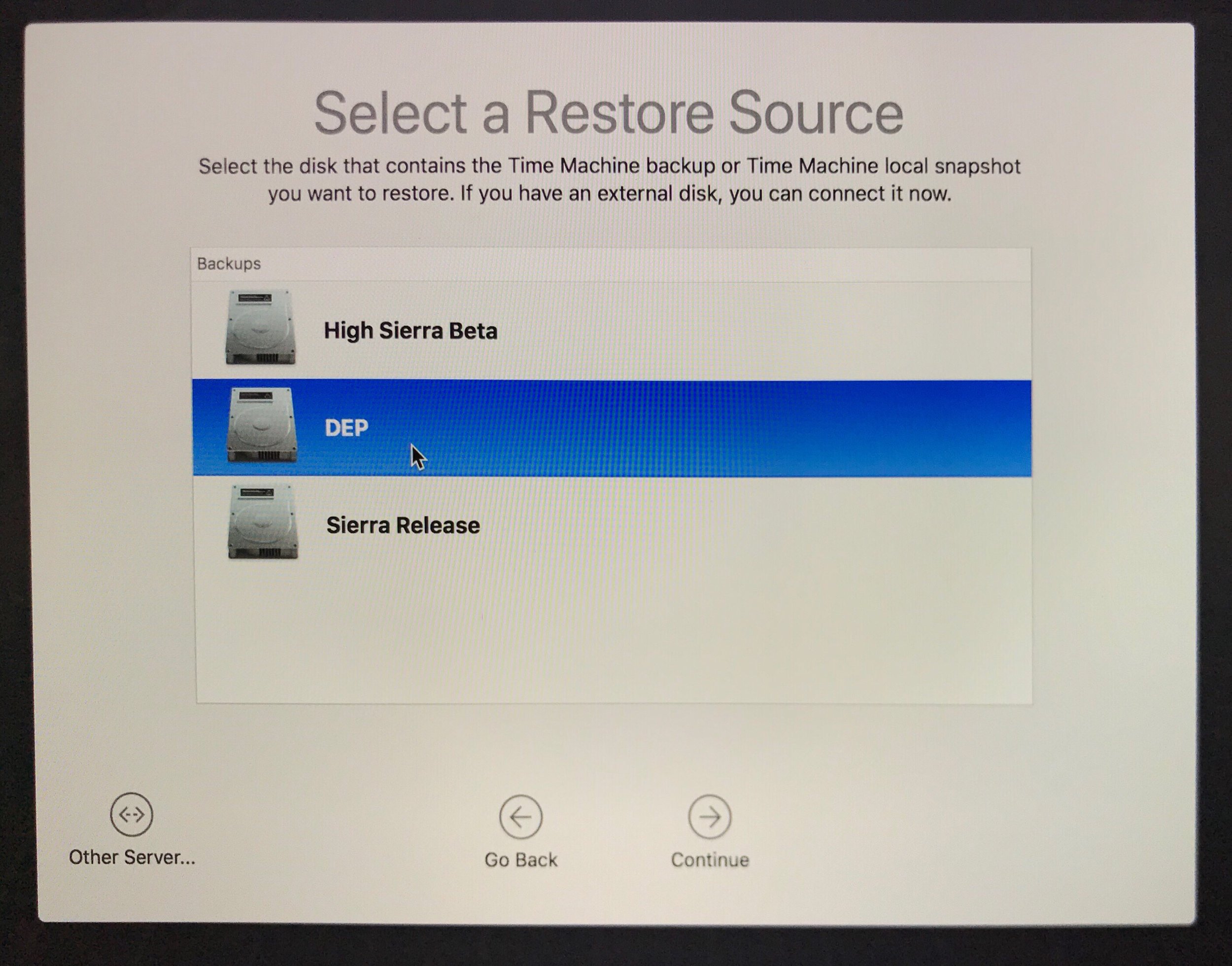
Select the Local Snapshot you want

Continue

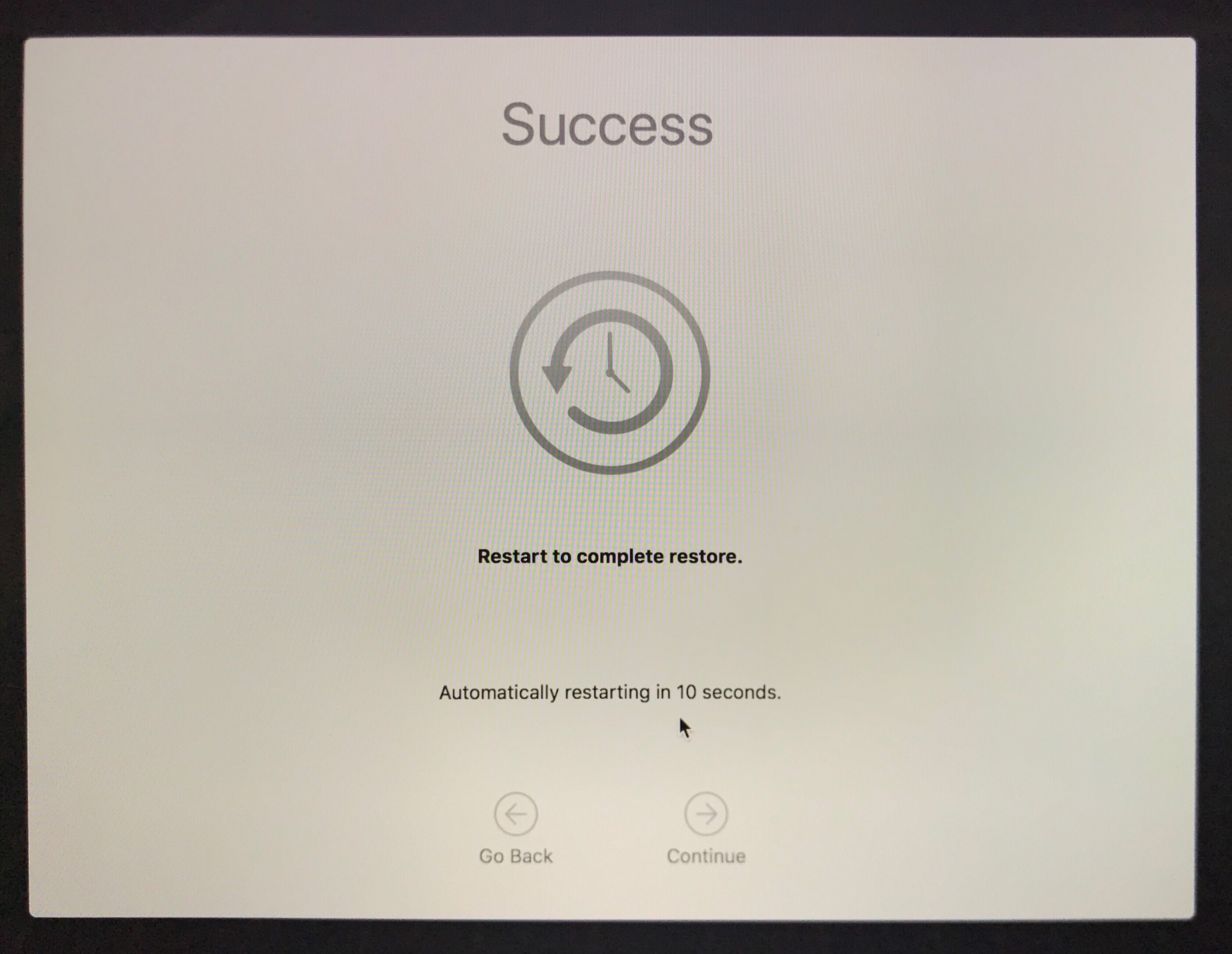
Restoring takes only a few seconds!

Reboot, and done!