
Youtube embebed video: A demonstration of the new Chrome AI Mode. The screen shows a user interacting with the Chrome browser to search by attaching open tabs and files as context. It concludes by showcasing the new side-by-side interface, where an AI response remains open on the left while a selected webpage opens on the right for multitasking.

Gemini in Chrome
Figure it out, right in your browser
From big tasks to small to-do’s, Gemini in Chrome is your partner in figuring it all out. You can use Gemini in Chrome to visualize information, find the right product instantly, or even check your calendar – all from your open tab.
Gemini in Chrome: Your AI browsing assistant
Gemini in Chrome helps you easily understand content on the web and get things done using the context of your open tabs and browsing history. Plus, with auto browse, Gemini in Chrome can do your tedious tasks for you* – from shopping and reservations, to research and more.
*Auto browse available only to Google AI Ultra and Pro subscribers in the U.S.
GOOGLE SEARCH
Ask anything with AI Mode
AI Mode is our most powerful AI search, built right into Chrome. Ask your toughest questions from the place where you already search, and keep the conversation open alongside your tabs as you dive deeper.
-
PASSWORD MANAGER
Use strong passwords on every site.
-
ENHANCED SAFE BROWSING
Browse with the confidence that you're staying safer online.
-
SAFETY CHECK
Check your safety level in real time with just one click.
-
PRIVACY GUIDE
Keep your privacy under your control with easy-to-use settings.
Think outside the top bar with vertical tabs
Vertical tabs stack down the side of your browser window, so you can read full page titles and manage tab groups with ease – even when your tab count hits double digits. Just right-click on any Chrome window and select “Show Tabs Vertically.”
One window, two views
Sick of juggling multiple windows or switching between tabs? Split view lets you view two tabs at the same time for a more streamlined, flexible way to work.
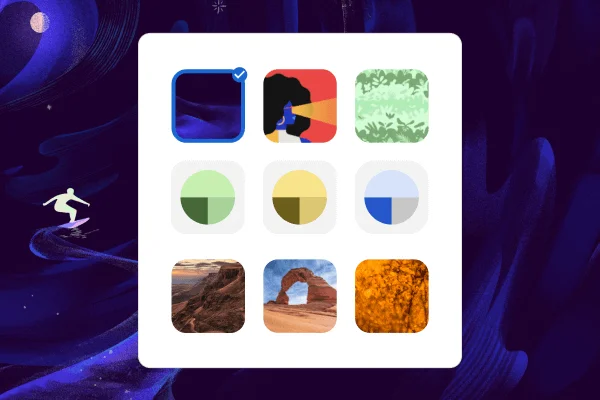
Customize your Chrome
Personalize your web browser with themes, dark mode and other options built just for you.
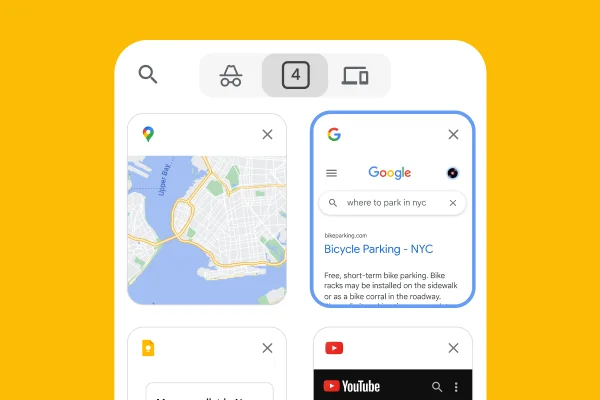
Browse across devices
Sign in to Chrome on any device to access your bookmarks, saved passwords, and more.
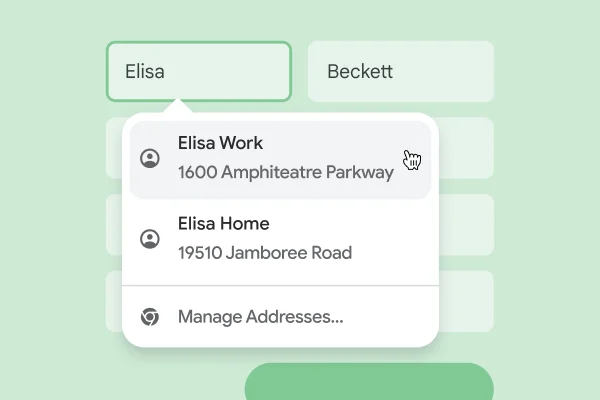
Save time with autofill
Use Chrome to save addresses, passwords, and more to quickly autofill your details.
One window, two views
Sick of juggling multiple windows or switching between tabs? Split view lets you view two tabs at the same time for a more streamlined, flexible way to work.
Customize your Chrome
Personalize your web browser with themes, dark mode and other options built just for you.
Browse across devices
Sign in to Chrome on any device to access your bookmarks, saved passwords, and more.
Save time with autofill
Use Chrome to save addresses, passwords, and more to quickly autofill your details.
Extend your experience
From shopping and entertainment to productivity, find extensions to improve your experience in the Chrome Web Store.

-
GOOGLE PAY
Pay for things as quick as you click.
-
Google Lens
See anything, search anything.