Overview
UIKit provides a variety of features for building apps, including components you can use to construct the core infrastructure of your iOS, iPadOS, or tvOS apps. The framework provides the window and view architecture for implementing your UI, the event-handling infrastructure for delivering Multi-Touch and other types of input to your app, and the main run loop for managing interactions between the user, the system, and your app.
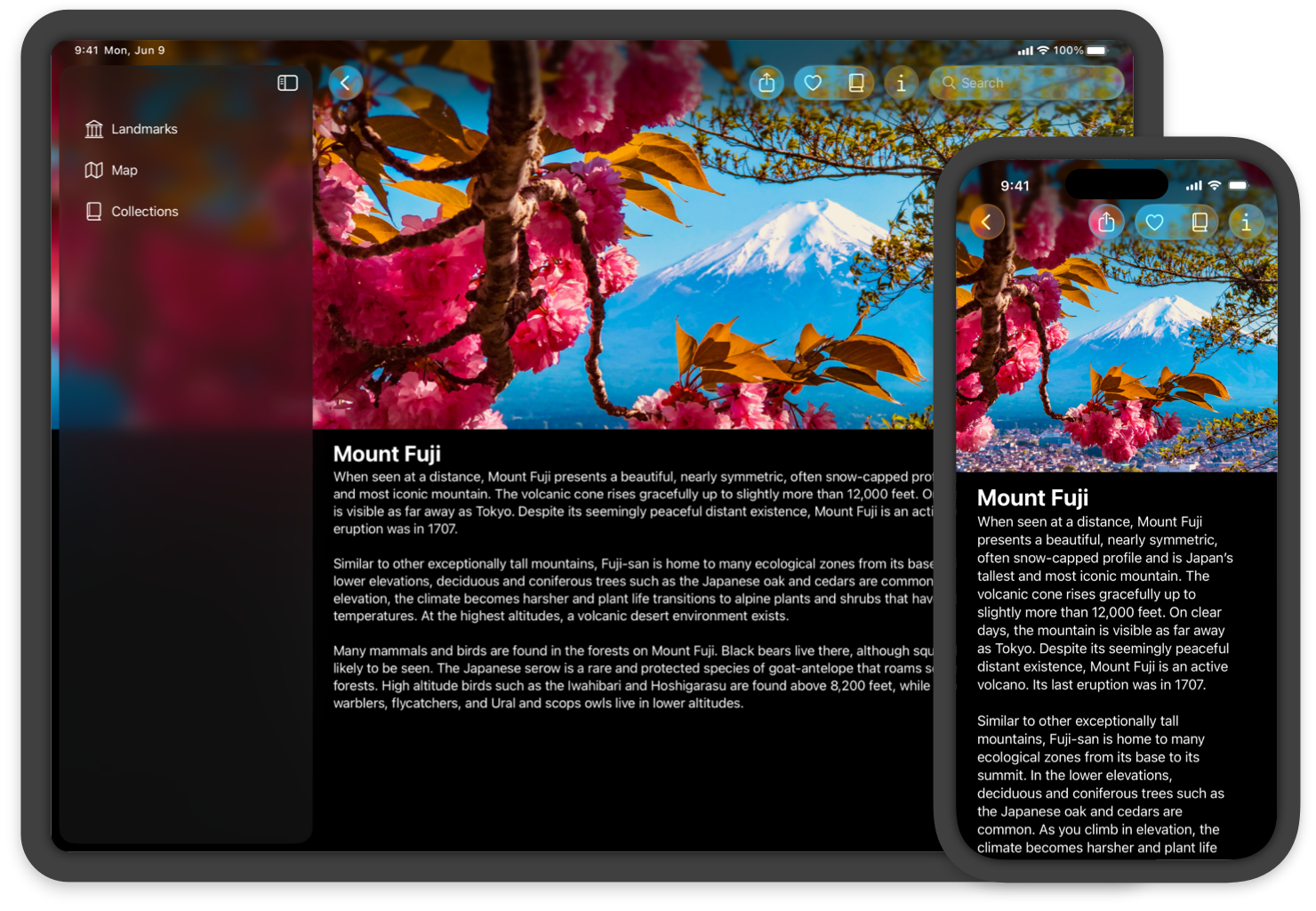
UIKit also includes support for animations, documents, drawing and printing, text management and display, search, app extensions, resource management, and getting information about the current device. You can also customize accessibility support, and localize your app’s interface for different languages, countries, or cultural regions.
UIKit works seamlessly with the SwiftUI framework, so you can implement parts of your UIKit app in SwiftUI or mix interface elements between the two frameworks. For example, you can place UIKit views and view controllers inside SwiftUI views, and vice versa.
To build a macOS app, you can use SwiftUI to create an app that works across all of Apple’s platforms, or use AppKit to create an app for Mac only. Alternatively, you can bring your UIKit iPad app to the Mac with Mac Catalyst.
Topics
App structure
UIKit manages your app’s interactions with the system and provides classes for you to manage your app’s data and resources.
Manage life-cycle events and your app’s UI scenes, and get information about traits and the environment in which your app runs.
Manage the images, strings, storyboards, and nib files that you use to implement your app’s interface.
Extend your app’s basic functionality to other parts of the system.
Create a version of your iPad app that users can run on a Mac device.
User interface
Views help you display content onscreen and facilitate user interactions; view controllers help you manage views and the structure of your interface.
Present your content onscreen and define the interactions allowed with that content.
Manage your interface using view controllers and facilitate navigation around your app’s content.
Use stack views to lay out the views of your interface automatically. Use Auto Layout when you require precise placement of your views.
Apply Liquid Glass to views, support Dark Mode in your app, customize the appearance of bars, and use appearance proxies to modify your UI.
User interactions
Responders and gesture recognizers help you handle touches and other events. Drag and drop, focus, peek and pop, and accessibility handle other user interactions.
Simplify interactions with your app using menu systems, contextual menus, Home Screen quick actions, and keyboard shortcuts.
Bring drag and drop to your app by using interaction APIs with your views.
Graphics, drawing, and printing
UIKit provides classes and protocols that help you configure your drawing environment and render your content.
Create and manage images, including those that use bitmap and PDF formats.
Configure your app’s drawing environment using colors, renderers, draw paths, strings, and shadows.
Display the system print panels and manage the printing process.
Text
In addition to text views that simplify displaying text in your app, UIKit provides custom text management and rendering that supports the system keyboards.
Manage text storage and perform custom layout of text-based content in your app’s views.
Configure the system keyboard, create your own keyboards to handle input, or detect key presses on a physical keyboard.
Add support for Writing Tools to your app’s text views.
Deprecated
Avoid using deprecated classes and protocols in your apps.
Reference
This document describes constants that are used throughout the UIKit framework.
The UIKit framework defines data types that are used in multiple places throughout the framework.
The UIKit framework defines a number of functions, many of them used in graphics and drawing operations.