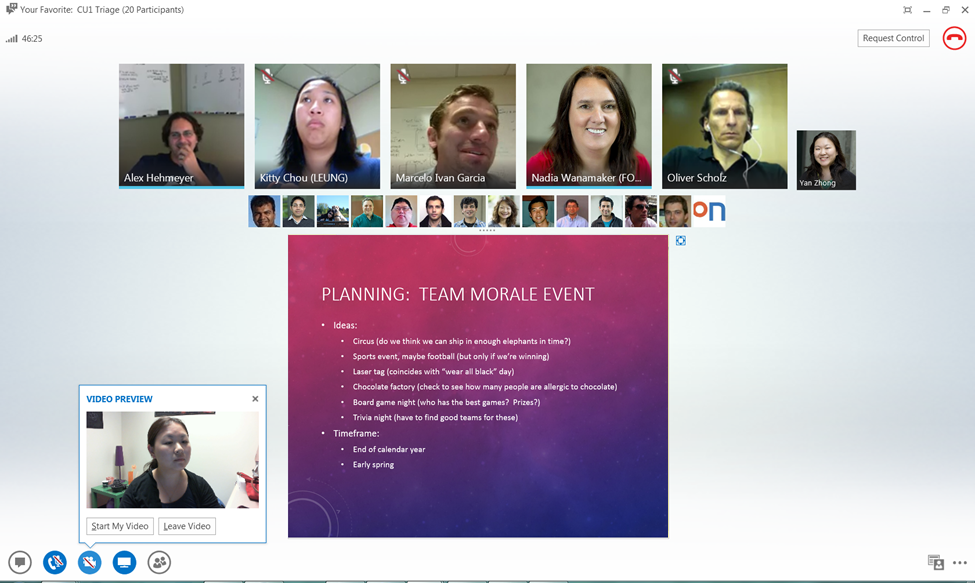
However, as mentioned, Lync isn’t Microsoft’s only messaging platform. There’s also Skype. Both platforms support instant messaging. Both platforms support voice chatting, both two-way and multi-person. Likewise video chat and desktop sharing. Both also support telephony bridging, albeit in different ways. Lync can connect to telephony systems that use standard SIP (Session Initiation Protocol) technology, whereas Skype’s system is a black box of proprietary magic that just happens to connect to PSTNs (public switched telephone networks).
Credit: Microsoft
Credit: Microsoft
Lync can bridge to Microsoft’s Messenger network if administrators choose to enable the option, and Microsoft is currently merging the Skype and Messenger networks.
Finally, they both have a “presence” system to indicate when you’re available to talk. Lync’s is neatly integrated into Outlook, automatically showing you as unavailable when you have a meeting or are on a call. Skype’s integration is less automatic; a plugin was recently released for 32-bit Outlook that provides comparable facilities.
The functional overlap here is hard to overstate. Even before buying Skype, Microsoft had software that did essentially everything that Skype does; Skype just brought users and a number of contractual agreements with telephone services around the world to provide PSTN functionality.
Where the two products differ substantially is their billing model. Skype’s instant messaging, two person voice and video chat, and two person desktop sharing are all zero cost. Just download the client, create an account, and you’re on your way. Microsoft charges for PSTN connectivity and group voice, video, and desktop sharing.
Lync, on the other hand, needs a Lync 2013 server either on premises or in the cloud and appropriate client licenses. So while Skype is consumer friendly and, for many users, zero cost, Lync’s pricing is oriented around enterprises.