Latest updates
See what's new on SmartThings.
Home Insight
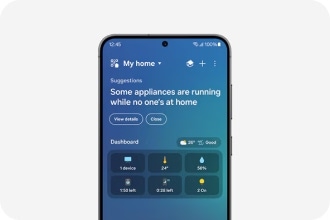
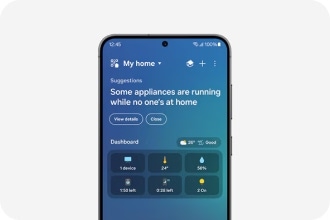
Streamline your life with a bird's eye view summary of your home.1
Home Routine
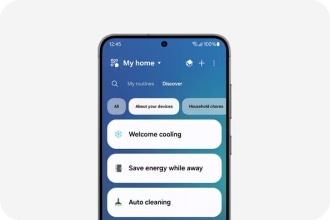
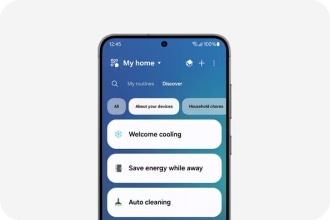
Create new routines easily with devices you already have at home.
Device Control
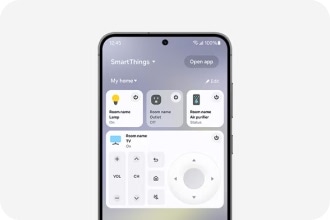
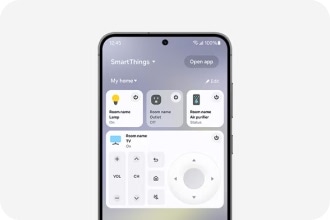
Turn your phone into a remote for all your favorite devices.2
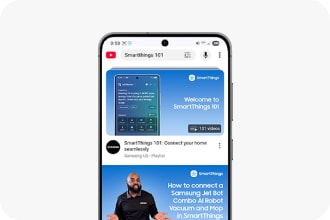
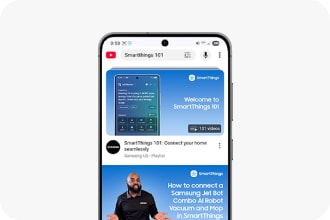
Quick Remote
Control devices seamlessly
Now you can use your phone as a remote
to manage your home. 3,4,5


Smart View
Cast what you want
Mirror selected apps from your
Galaxy smartphone on your TV. 6


3D Map View
See your home at a glance
Monitor and control your home from your
Galaxy devices. 7


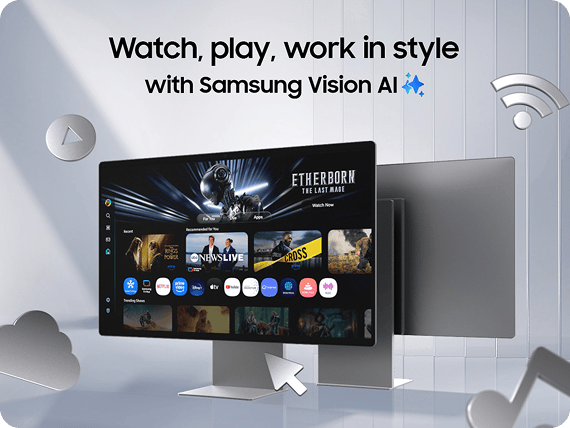
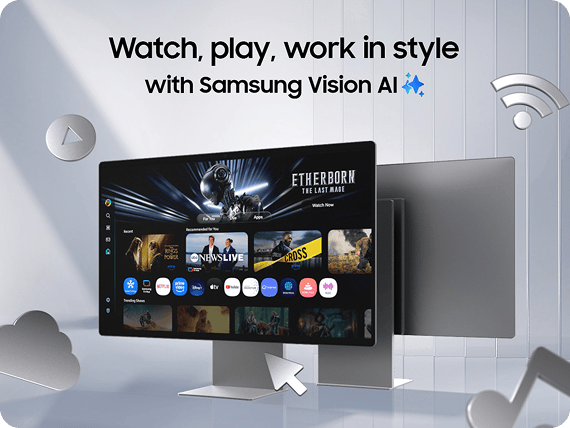
New AI Smart Monitors
New AI Smart Monitors
Get up to $300 Samsung Credit.⊗ Plus, bundle and save 10%.҂
Built-in SmartThings Hub
Create your smart home seamlessly
Samsung TV includes a built-in SmartThings Hub, so there's no need to purchase a separate hub.9


Workout Tracker
Monitor workout progress on your TV while watching your favorite content, like a workout video.10,11


AI Vision Inside
Peek inside with AI Vision
Keep an eye on what's there and what's expiring.12,13


AI Energy Mode
Monitor your energy usage
Save up to 10% of your refrigerator energy with AI Energy Mode.14


Door Open Notification
Keep it closed
Get alerts from your Samsung refrigerator if the door isn't fully shut, saving you on food and energy costs.15


AI Energy Mode
Manage energy use
AI Energy mode reduces energy consumption up to 60% on washing and 30% on drying.16


Customized Clothing Care
Wash and dry your way
Clothing Care creates customized care cycles to meet your laundry needs.17


Device Status Check
Care for the devices that care for you
Get notifications when your devices need service or support.25


Home Monitoring
Pet care from afar
Check in on your pets using your Jet Bot Combo AI robot vacuum cleaner. 21,22


Optimal Charging
Use off-peak energy
Optimize your charging at the right time.23,24


Voice Control
Say it. SmartThings does it.
With voice assistant, tell your Jet Bot where and when to clean, and even to start or stop.19


*Image are simulated for illustrative purposes. The availability of technology, functions, features, and services may vary by country, service provider, network environment, or product, and may change without notice. SmartThings supported devices can be found at https://partners.smartthings.com/supported-devices.
*To use SmartThings, download the App from the Galaxy Store, Google Play Store, or Apple App Store. The supported OS specification, required storage space, and other usage environment for the SmartThings app can be found on the app download page in each app store. SmartThings has compatibility constraints, and the compatible environment may be updated periodically.
*The availability of technology, functions, features, and services may vary by country, service provider, network environment, or product, and may change without notice.
*All devices must be connected to Wi-Fi or other wireless network, and registered with a single Samsung Account.
*SmartThings features and specifications may vary depending on the product and region/country.
*Images and on-screen contents are simulated for illustrative purposes. Actual user interface (UI) may vary depending on software version, model, region and other factors.
*The maximum number of devices that can be connected to SmartThings is 300 per location. However, the maximum number of devices that can be connected may be limited depending on the user’s network environment. Up to 10 locations per account can be used, up to 20 rooms per location, and up to 20 members can be invited per account by the administrator who registered the location.
1Some features of Home Insight are currently available only in Korea and the USA.
2The devices supported in Device Control may change without notice and certain models may not be included.
3Available on Android and iOS devices, but Samsung Galaxy smartphones provide the best experience. This function may be supported in different ways on other smartphones.
4The only devices supported are certain models of TVs manufactured in 2020 or later and certain models of air conditioners, air purifiers, and robot vacuum cleaners manufactured in 2024 or later.
5The automatic activation time varies depending on the user environment.
6Smart View is only available on smart TVs that support Miracast, using the Galaxy smartphones and tablets. App Cast availability may vary depending on the device, application and country/region.
7Available on Android and iOS devices. A Wi-Fi connection and a Samsung account are required.
8AI Energy Mode is applicable to 2023 TVs. The actual power reduction may vary by model and is based on internal testing. The SmartThings App, a Wi-Fi connection and a Samsung account are required. AI Energy Mode does not support Game, Intelligent, Art, Screen Mirroring, Ambient or Retail Mode. In environments where the surrounding light exceeds 80 lux, certain aspects of the AI energy-saving feature may not function, resulting in reduced energy savings. Energy saving rate may vary according to regions, models, sizes, viewing conditions or types of content.
9Samsung TVs (Q60 or above, released after 2022) include a built-in SmartThings Hub that supports Matter, Thread and Zigbee technologies.
10Available on Galaxy Watch 4 and later models when used with a Samsung TV launched in 2024. TV and watch devices must be signed in with the same Samsung account.
11Intended for general wellness and fitness purposes only. Not intended for use in detection, diagnosis, treatment of any medical condition or disease. The measurements are for your personal reference only.
12As of April 2024, AI Vision Inside can recognize 33 food items like fresh fruits and veggies. If the food is not recognizable, it may be listed as unknown item. AI Vision Inside cannot identify or list any food items in the fridge door bins or freezer. It recognizes food items based on deep learning models, which may be updated periodically to improve accuracy.
13User may need to manually operate the list for accuracy.
14The test results are based on a comparison of the factory setting temperature when using AI Energy Mode and without using AI Energy Mode. Results may vary depending on the actual usage patterns and conditions.
15Available on Android and iOS devices. Refrigerator and mobile devices must be signed in with the same Samsung account.
16Based on internal testing and verified by KATRI (Korea Apparel Testing Research Institute) with IEC 3kg on AI Wash & Dry cycle with AI Energy Mode ON. Results may vary depending on the actual usage patterns and conditions.
17The user will be solely responsible for any consequence(s) that may result, including but not limited to any damage or harm caused by incorrect information provided by the user.
18Based on internal testing on the AR07D9181HZ3 model. The compressor’s indicated frequency is reduced by 27% using the compressor’s lowest output control, which is reduced from the existing 15rps to 12rps (may differ by model). The testing was conducted in Samsung’s 132m² residential environment laboratory at a temperature of 35°C/24°C (dry bulb/wet bulb, KS C 9306: air conditioner). Requires the use of the SmartThings App and a Samsung account. Actual savings may vary by usage patterns and environment.
19Bixby is Samsung’s brand of Internet of Things (IoT) voice assistant. Bixby service availability may vary depending on country. Bixby recognizes selected languages and certain accents/dialects, including Korean, English (US/GB/IN), Spanish (MX/ES), German, French, Italian, and Portuguese (BR). The user interface may change and differ by device. The availability of Bixby features and content providers may vary depending on the country/carrier/language/device model/OS version. A Samsung account log-in and data network connection (Wi-Fi or data network) are required.
20This function may be affected by the GPS conditions.
21The availability of SmartThings Pet Care's monitoring feature may vary by region and is only supported on the Jet Bot Combo AI and Jet Bot AI+ model.
22Only dogs and cats can be recognized. The recognition capabilities may be limited by the posture or position of a pet. The ability to recognize your pet may vary depending on the type of animal and the living environment. It only recognizes a pet presence based on generic visual indicators, and cannot identify individual pets.
23This feature is only supported on robot vacuum cleaner models released in 2024 (VR7MD*******).
24The SmartThings Energy service needs to be downloaded and Optimal Charging must be activated in advance using this feature. The availability of this feature and the Optimal Charging Options may vary depending on the country.
25The SmartThings App is available on Android and iOS devices. A Wi-Fi connection and a Samsung account are required. Washer or dryer and mobile devices must be signed in with the same Samsung account.
26SmartThings Family Care serivce is currently available in Korea and the USA. Available on Android Galaxy devices.