



Rated 5.00 out of 5 based on 56 customer ratings
Price range: $33.00 through $37.00 USD
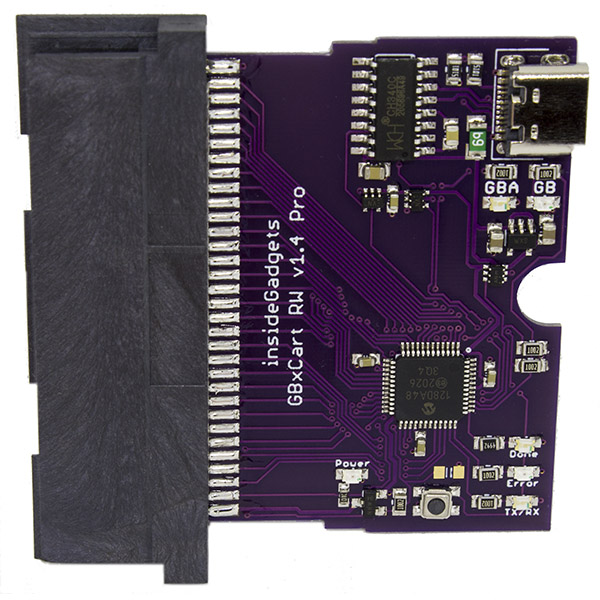
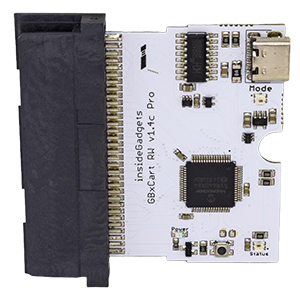
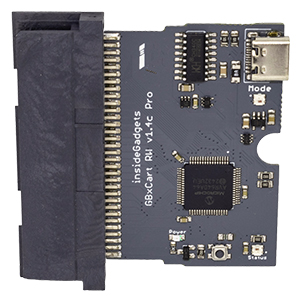
GBxCart RW (www.gbxcart.com) – A device for GB, GBC and GBA carts so you can backup your game ROMs, backup/restore save games and write ROMs to supported Flash carts (e.g our GB carts or our GBA carts or some of the Ebay/Aliexpress clone/repro carts).
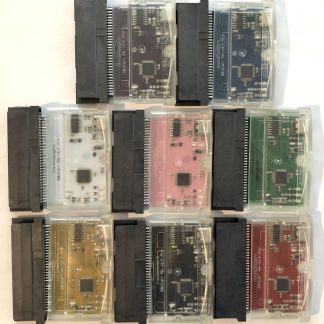
Over 5000 units sold! At least a few hundred hours have been spent on firmware and software updates. Designed and made in Australia. If you purchase from us directly, included will be a clear generic GBA cart shell to use as a case (trimming required for USB port).
Distributors: Retro Game Repair Shop (USA based), ZedLabz (UK based), Retro Modding (USA/Canada based) and Mod in France
Need some quick help? Check out the video playlist. You can also jump on our Discord server.
Latest News: Dec 2025 – FlashGBX v4.5 released
Description
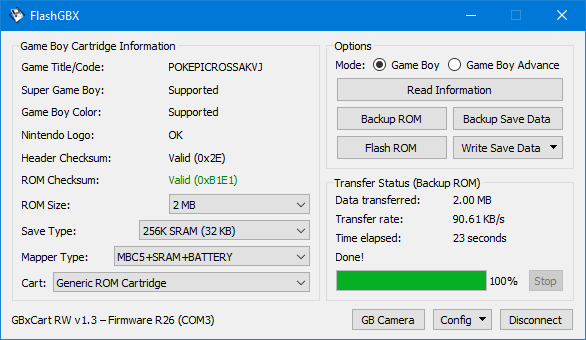
FlashGBX for Windows
FlashGBX for Linux/Mac
(made by Lesserkuma)
For Windows, make sure you install the CH340/CH341 driver.
Having issues with ModRetro carts? Try the Options -> Settings-> Uncheck “Automatic cartridge power off” in FlashGBX.
GBxCart is only sold on our shop, Tindie and also at Retro Game Repair Shop (USA), ZedLabz (UK/EU), Retro Modding (Canada) and ModInFrance (France). Any other sources are not authorised sellers.
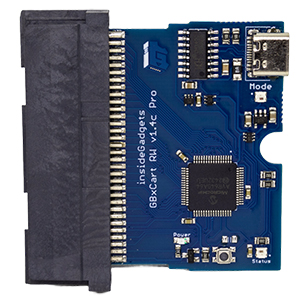
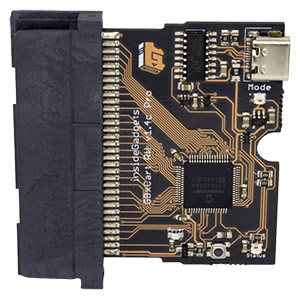
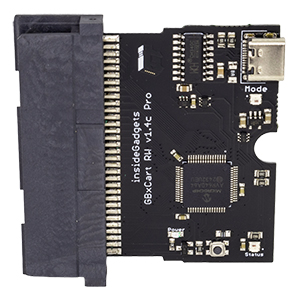
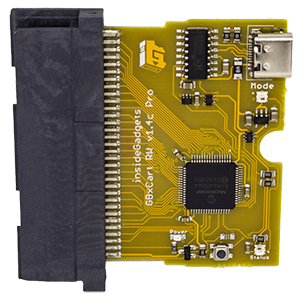
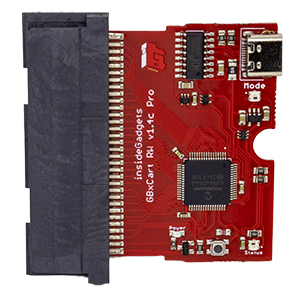
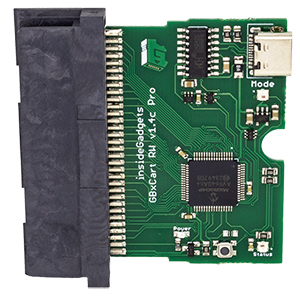
GBxCart v1.4 is now available! Slightly faster, change cartridge powered state using a button or software control (no need to unplug USB when changing carts) and RGB LEDs for mode/status.
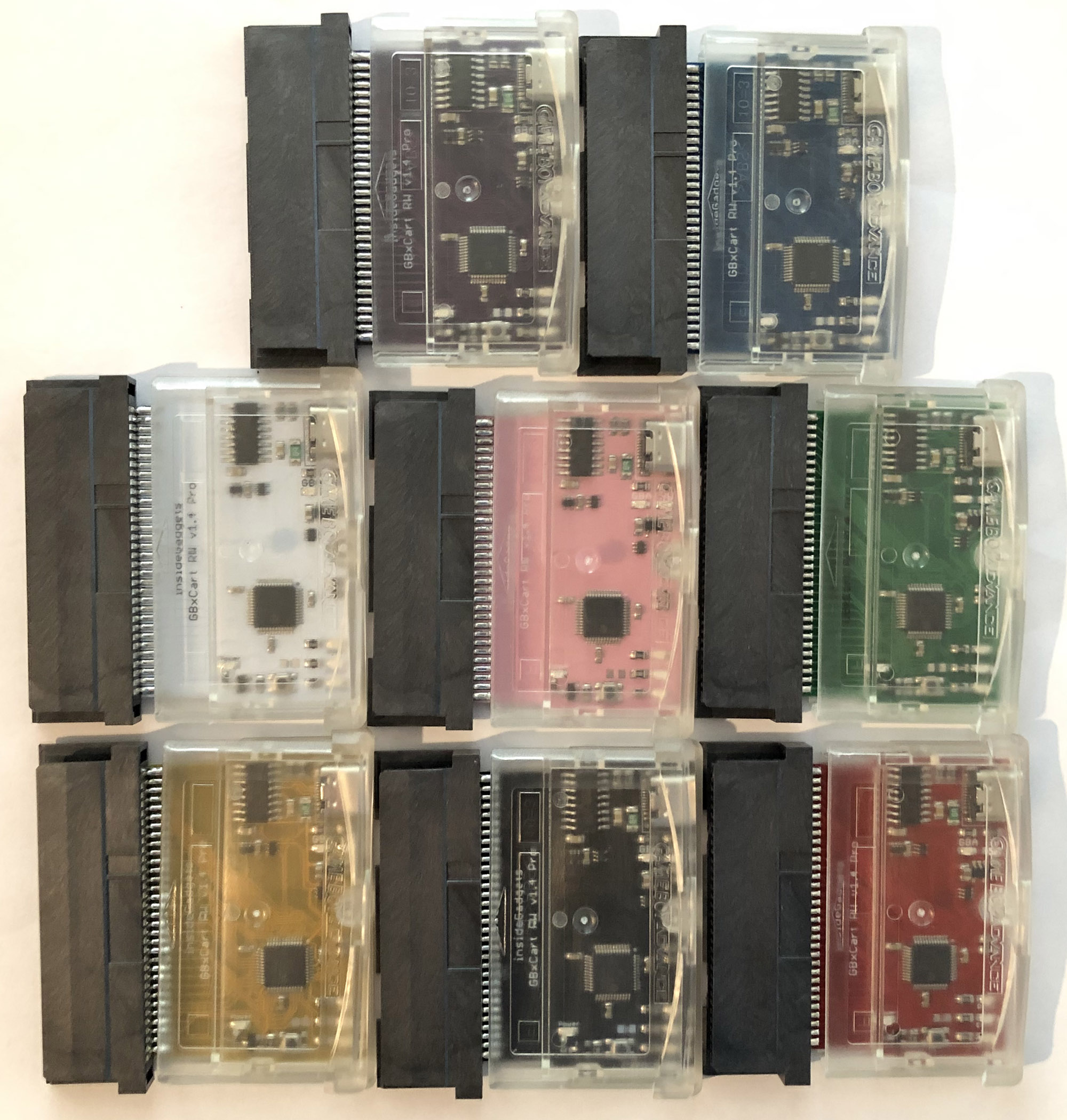
The “Pro” version allows you to use GBA reproduction cart shell to encase GBxCart into, a bit of trimming/filing is required for the USB connector.
Questions? Jump on our Discord server where we and other users can help..
If you are backing up any old cartridges, please ensure that the contacts are clean.
If you can, please use a test cartridge when receiving the unit to ensure the operation is correct. Always check your save file is working correctly in an emulator like BGB or mGBA before proceeding with restoring another file or another cartridge.
You’ll just need a USB-C data cable, the USB-C connector only has the USB 2.0 lines attached.
Each unit is assembled in house.
Check out the user submitted 3D printed cases available on Thingiverse (some are for older PCB versions).
Features
• Backup games ROM to your PC
• Backup save games to your PC
• Restore save games from your PC
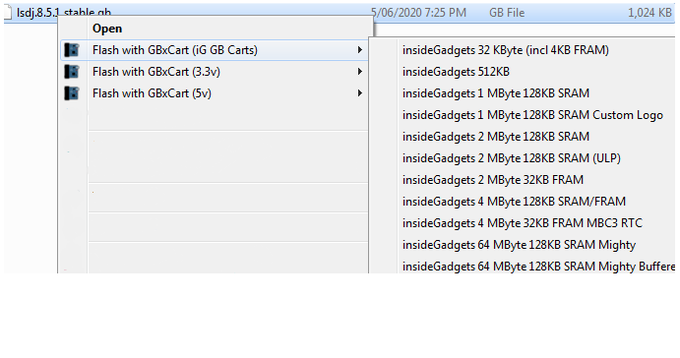
• Write ROMs to supported Flash carts
• Supports Gameboy, Gameboy Colour, Gameboy Advance cartridges with auto ROM size detection
• Supports SRAM/Flash/EEPROM for Gameboy Advance cartridges with auto-save type detection
• GUI or console interfacing programs
Other Features
• Backup GB Camera (active images or all images) to BMP with a one click program called GB Camera Saver
• Option in the GUI to allow for automatic appending of the current day/time to your save file when you perform a backup of your save
• GB Sachen ROM mapper reading support
• Support for MBC6, MBC7, MMM01, M161, TAMA5, DACS and GBA Video (some require a new board revision) using FlashGBX, thanks to Lesserkuma
Gameboy Flash Carts/Chips supported
Check out FlashCartDB.com for the latest support, you can help populate flash carts to the Wiki too! You can’t overwrite an original Gameboy cartridge.
If you are looking to purchase a GB flash cart, most of the clone carts should work except for a couple of multi-cart ones. We make our own flash carts too, check out our shop. While clone carts are supported, we can’t guarantee that clone carts will work as some may have slight differences in their assembly.
• insideGadgets – All GB Flash Carts
• Catskull / DIY 32K (AM29F010B, SST39SF010A, AT49F040) [Audio or WR as WE pin] – 32KByte
• SST39SF040 – 512KByte
• ES29LV160 (0883_DRV PCB) – 1MByte
• Catskull / BV5 / M29W160EB / ES29LV160FT – 2MByte
• AM29LV160DB / 29LV160CTTC / 29LV160BTTC / 29LV160TE / S29GL032 – 2MByte
• AM29F016B – 2MByte
• M29W640 / 29DL32BF / GL032A10BAIR4 – 4MByte
• 256M29 / M29W256 / MX29GL256 – 32MByte (4x 8MB Banks)
• Nintendo 1MB Power Cart
• GB Smart 16M – 2MByte
• GB Smart 32M – 4MByte
• BUNG Doctor GB Card 64M
(this list hasn’t been updated in some time, check FlashCartDB.com for the latest support or insert the cartridge into FlashGBX and let it auto detect)
Gameboy Advance Flash Carts supported
Prefer using a GUI? Check out the new dedicated GUI Flasher program.
Check out FlashCartDB.com for the latest support, you can help populate flash carts to the Wiki too! You can’t overwrite an original GBA cartridge.
If you are looking to purchase a GBA flash cart, we make our own GBA 32MB flash carts with different save types such as 1Mbit flash (no RTC) which works with all the Pokemon games, an 512Kbit flash, an 4K/64K EEPROM save and a 256KB FRAM save. While clone carts are supported, we can’t guarantee that clone carts will work as some may have slight differences in their assembly.
• insideGadgets – All GBA Flash Carts
• MX29LV320 – 4MByte
• MSP55LV128 – 16MByte
• MSP55LV128M / 29GL128EHMC / 29LV128DTMC / MX29GL128ELT / M29W128 / S29GL128 – 16MByte
• M36L0R706 – 16MByte
• GE28F128W30 – 16MByte
• 256L30B – 32MByte
• 256M29EWH – 32MByte
• M29W256 – 32MByte
• 4455LLZBQ0 – 32MByte
• 4000L0YBQ0 – 32MByte
• GBA 32 MByte (Flash2Advance 256M)
• GBA 16 MByte (Nintendo AGB Cartridge 128M Flash S, E201850)
Carts that don’t work are any chips labelled with “6600” or “4050M”.
(this list hasn’t been updated in some time, check FlashCartDB.com for the latest support or insert the cartridge into FlashGBX and let it auto detect)
Please note: If your game saves to an EEPROM or Flash then it won’t work on any of these clone flash carts unless you patch it to use SRAM using GBATA for example. If the cart you have doesn’t have a spot for a battery, then you will need to patch that game to save back to the flash but there are no programs to do this for you. Pokemon games use a 1Mbit save and most clone carts only have 256Kbit or 512Kbit of SRAM so saving may not work properly. Check what save type your game uses here or Read more about these issues here.
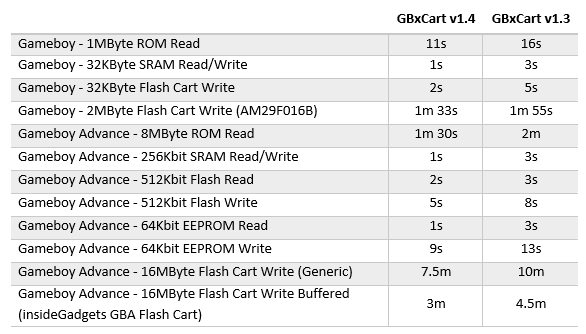
GBxCart RW Speeds (for Windows, latest firmware)