Post
Post
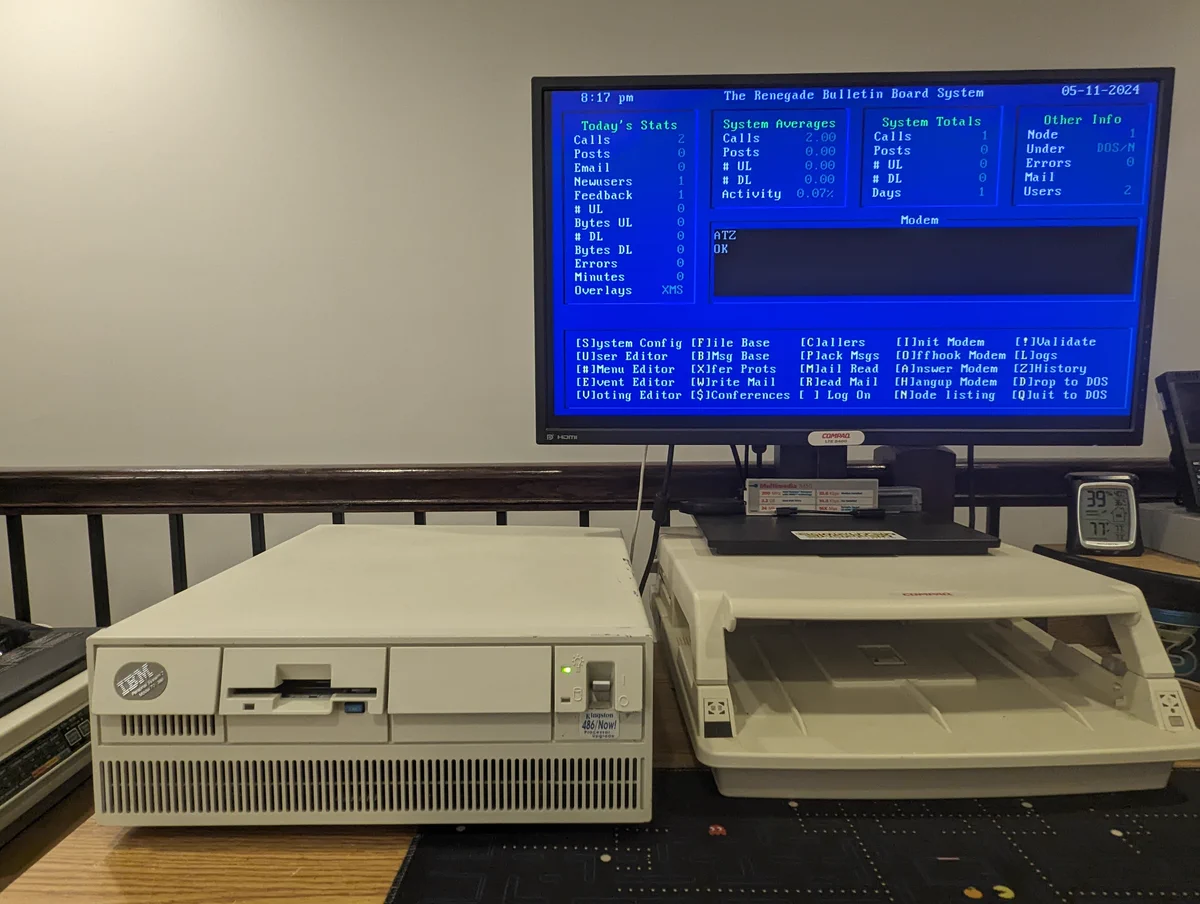
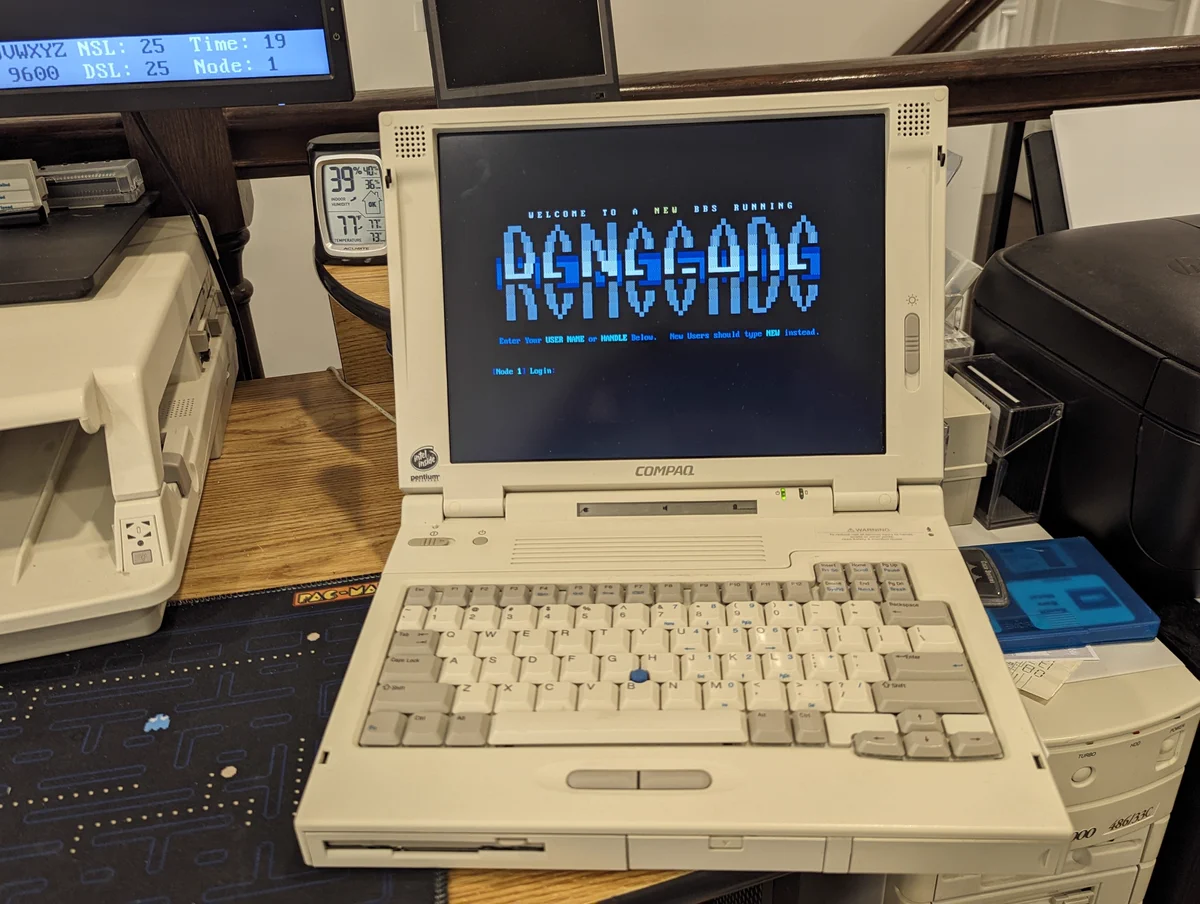
RetroTech Chris on X: "So, someone left a comment on an old YouTube video of mine today. The question: "Can you show me how to set up a Renegade BBS that people can access over telnet"? Why.. YES... I totally can. Let's have some fun and explore how to do it in a 🧵here! Let's go!"
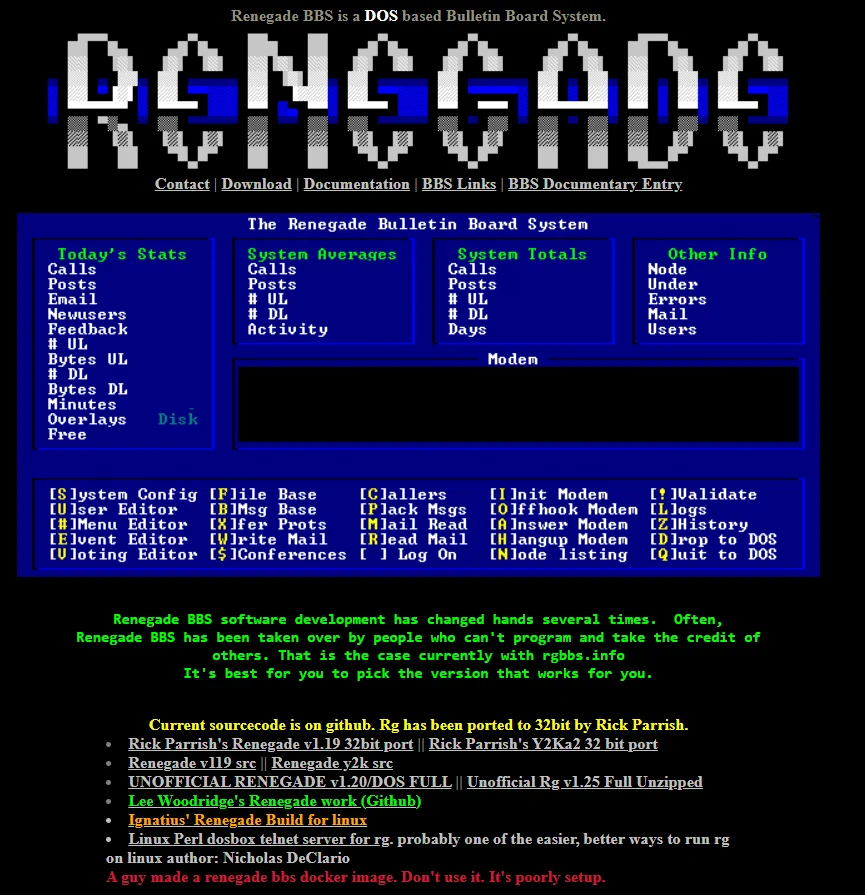
There is a great resource online that talks all about Renegade BBS and setting it up! It does try to link to some Renegade setups that people have done, but the links are broken. However, I'll list it anyway since it is a great Sysop resource! renegadebbs.info
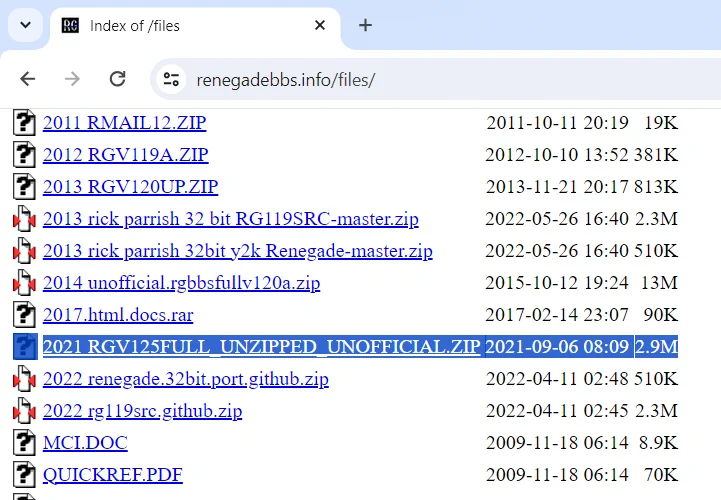
Anyway, so for that first software item, I found the file here. Basically, download it and unzip it to a directory called "RG" on your retro PC! renegadebbs.info/files/2021%20R…
As for the RLFOSSIL driver, I found it here: dcee.net/Files/Mailer/. This driver basically provides a bridge between Renegade and a local telnet server that it runs for you. Download it and put it in your RG directory on the retro computer.
And if you don't have a packet driver like me, you can use this previous post I did as a reference on how to "shim" the NDIS driver like I mentioned above!
Replying to @RetroTechChris
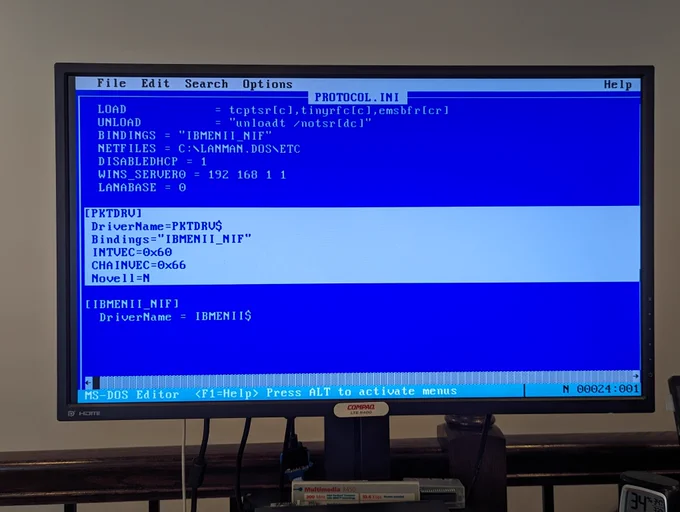
So, next up, I wanted to set up a packet driver to support programs such as mTCP. Well.. guess what... the IBM LAN Adapter/A doesn't have a packet driver! However, we can use the Protocol Manager from MS LAN Manager and the dis_pkt shim driver to make it work. Configs below!