Post

Post

Boris Cherny on X: "I'm Boris and I created Claude Code. I wanted to quickly share a few tips for using Claude Code, sourced directly from the Claude Code team. The way the team uses Claude is different than how I use it. Remember: there is no one right way to use Claude Code -- everyones' setup is"

  • user avatar

    I'm Boris and I created Claude Code. I wanted to quickly share a few tips for using Claude Code, sourced directly from the Claude Code team. The way the team uses Claude is different than how I use it. Remember: there is no one right way to use Claude Code -- everyones' setup is different. You should experiment to see what works for you!

  • user avatar

    1. Do more in parallel Spin up 3–5 git worktrees at once, each running its own Claude session in parallel. It's the single biggest productivity unlock, and the top tip from the team. Personally, I use multiple git checkouts, but most of the Claude Code team prefers worktrees --

    user avatar

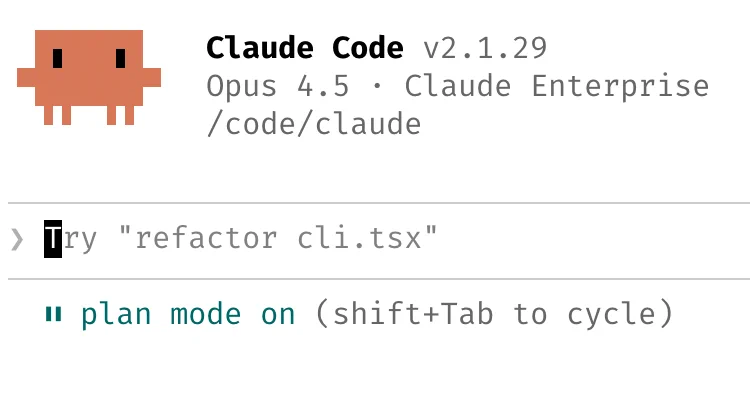
    2. Start every complex task in plan mode. Pour your energy into the plan so Claude can 1-shot the implementation. One person has one Claude write the plan, then they spin up a second Claude to review it as a staff engineer. Another says the moment something goes sideways, they

    user avatar

    3. Invest in your CLAUDE.md. After every correction, end with: "Update your CLAUDE.md so you don't make that mistake again." Claude is eerily good at writing rules for itself. Ruthlessly edit your CLAUDE.md over time. Keep iterating

    user avatar

    4. Create your own skills and commit them to git. Reuse across every project. Tips from the team: - If you do something more than once a day, turn it into a skill or command - Build a /techdebt slash command and run it at the end of every session to find and kill duplicated code

    user avatar

    5. Claude fixes most bugs by itself. Here's how we do it: Enable the Slack MCP, then paste a Slack bug thread into Claude and just say "fix." Zero context switching required. Or, just say "Go fix the failing CI tests." Don't micromanage how. Point Claude at docker logs to

    user avatar

    6. Level up your prompting a. Challenge Claude. Say "Grill me on these changes and don't make a PR until I pass your test." Make Claude be your reviewer. Or, say "Prove to me this works" and have Claude diff behavior between main and your feature branch b. After a mediocre

    user avatar

    7. Terminal & Environment Setup The team loves Ghostty! Multiple people like its synchronized rendering, 24-bit color, and proper unicode support. For easier Claude-juggling, use /statusline to customize your status bar to always show context usage and current git branch. Many

    user avatar

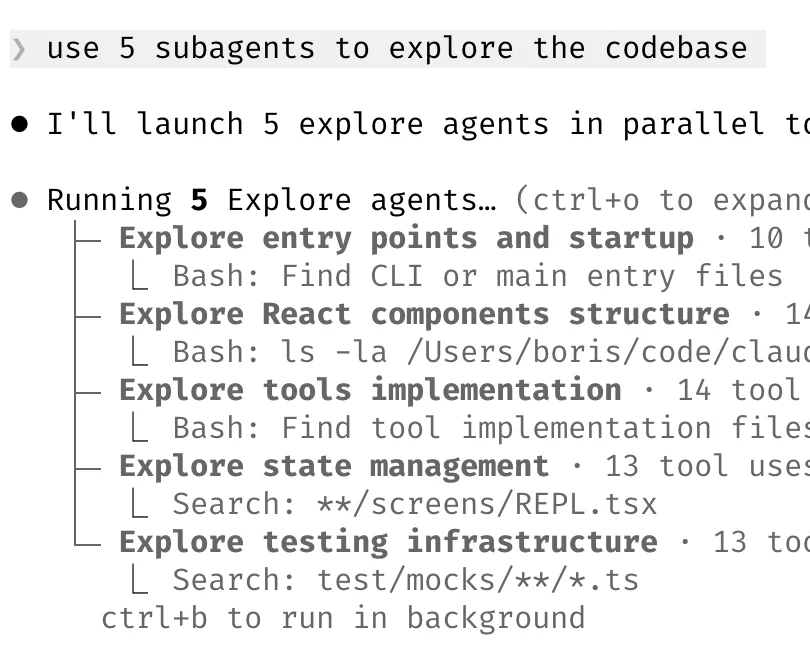
    8. Use subagents a. Append "use subagents" to any request where you want Claude to throw more compute at the problem b. Offload individual tasks to subagents to keep your main agent's context window clean and focused c. Route permission requests to Opus 4.5 via a hook — let it

    user avatar

    9. Use Claude for data & analytics Ask Claude Code to use the "bq" CLI to pull and analyze metrics on the fly. We have a BigQuery skill checked into the codebase, and everyone on the team uses it for anlytics queries directly in Claude Code. Personally, I haven't written a line

    user avatar

    10. Learning with Claude A few tips from the team to use Claude Code for learning: a. Enable the "Explanatory" or "Learning" output style in /config to have Claude explain the *why* behind its changes b. Have Claude generate a visual HTML presentation explaining unfamiliar

    user avatar

    Hope these tips are helpful! What do you want to hear about next?

  • user avatar

    Having claude code use the /chrome to validate changes on the web has been a huge unlock for our team. Feature dev slash commands and a good git hook like lefthook makes all the difference

Did someone say … cookies?

X and its partners use cookies to provide you with a better, safer and faster service and to support our business. Some cookies are necessary to use our services, improve our services, and make sure they work properly.