Description
Free Download
features
changelog
Comments
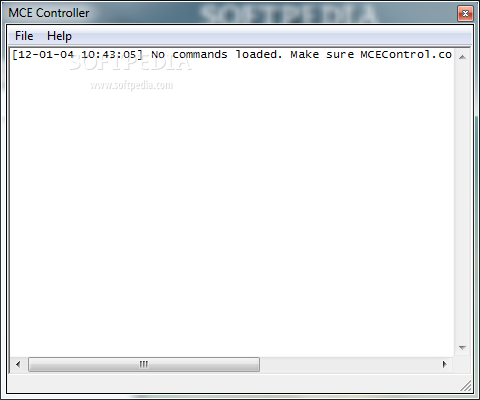
MCE Controller enables programmatic control of the user interface via a TCP/IP connection.
To put it simply, MCE Controller, allows you to simulate a press of any button on the MCE IR remote control by sending a text command to a TCP/IP port on the MCE machine. For example if MCE Controller receives the string "mypictures" it will tell Media Center to go to the "My Pictures" page.
This application was initially developed to enable integration of MCE into a Crestron whole-house audio/video system. However, it is general enough that it can be utilized from any control system that supports sending text strings to a TCP port.
Most control systems, such as Crestron, Premise, or AMX, support IR emitting. For many applications, emitting the MCE IR commands will suffice. However, for some installations the reliability of IR emitting and other factors may make IR emitting problematic and MCE Controller offers a robust solution.
MCE Controller can act as either a TCP client or server. When acting as a client the target host and port can be configured. When acting as a server the incoming port can be configured.
MCE Controller runs showing only a taskbar icon. By double clicking on the taskbar a status window is displayed that shows a log of all activity. You can also right-click on the taskbar icon for a menu.
Tags
Media center Media controller TCP client Controller Simulator Remote Simulate
What's new
in MCE Controller 1.5.1:
- Removed readme file from distribution and updated online docs.
top alternatives FREE
top alternatives PAID